
How to Teach Effectively Using EdTech Tools: A Practical Guide for Modern Educators
In today’s rapidly evolving educational landscape, technology is no longer optional—it’s essential. From K–12 classrooms to higher education and corporate training environments, educational technology (EdTech) tools are reshaping how teachers deliver instruction and how students engage with content. For educators across the United States, the challenge isn’t just adopting these tools—it’s using them effectively to enhance learning outcomes.
This guide explores how to teach effectively using EdTech tools, offering practical strategies, real-world insights, and actionable tips to help you create meaningful, engaging, and impactful learning experiences.

Understanding the Role of EdTech in Modern Classrooms
EdTech tools encompass a wide range of digital platforms, applications, and systems designed to support teaching and learning. These include learning management systems (LMS), video conferencing platforms, interactive apps, assessment tools, and AI-driven personalization software.
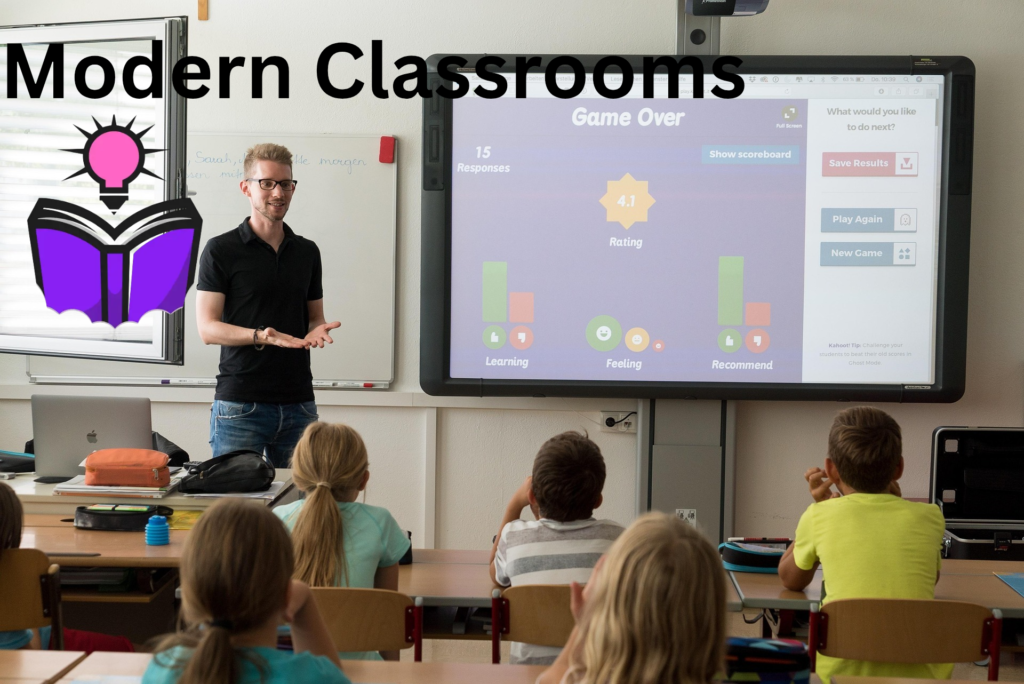
In U.S. classrooms, EdTech has become deeply integrated into daily instruction. Whether you’re teaching in a traditional classroom, a hybrid environment, or fully online, these tools help bridge gaps, personalize instruction, and increase accessibility.
However, the effectiveness of EdTech doesn’t come from the tool itself—it comes from how it’s used. Technology should serve pedagogy, not replace it.
Start with Clear Learning Objectives
Before introducing any EdTech tool, define what you want your students to achieve. Clear learning objectives guide your choice of technology and ensure that it aligns with your instructional goals.
Ask yourself:
- What skills or knowledge should students gain?
- How will I measure success?
- What challenges do my students face?
Once you have clarity, you can select tools that directly support those outcomes. For example, if your goal is to improve collaboration, you might use shared digital workspaces. If you want to enhance comprehension, interactive video tools could be more appropriate.

Choose the Right Tools for the Right Purpose
One of the most common mistakes educators make is using too many tools or choosing tools based on popularity rather than purpose. Instead, focus on functionality and ease of use.
Effective EdTech tools typically fall into a few categories:
Content Delivery Tools
These include video platforms, presentation software, and digital textbooks. They help you present information in engaging formats, often incorporating multimedia elements.
Collaboration Tools
These allow students to work together in real time or asynchronously. Discussion boards, shared documents, and group project platforms fall into this category.
Assessment Tools
Quizzes, polls, and analytics-driven platforms help track student progress and provide immediate feedback.
Engagement Tools
Gamified apps, simulations, and interactive activities keep students motivated and involved.
Instead of overwhelming students with multiple platforms, try to integrate a small number of tools deeply into your teaching practice.
Design Student-Centered Learning Experiences
EdTech tools are most effective when they shift the focus from teacher-centered instruction to student-centered learning. This means creating opportunities for students to explore, interact, and take ownership of their learning.
For example, instead of delivering a long lecture, you can:
- Break content into shorter, interactive modules
- Use discussion prompts to encourage critical thinking
- Assign project-based tasks using digital collaboration tools
Student-centered learning also means giving students choices. Allow them to demonstrate understanding in different ways—through videos, presentations, written work, or creative projects.
Incorporate Active Learning Strategies
Technology should not turn students into passive consumers of information. Instead, it should promote active learning.
Active learning involves engaging students in activities that require them to think, analyze, and apply knowledge. EdTech tools can support this in several ways:
Interactive quizzes can reinforce concepts in real time. Virtual simulations allow students to experiment in safe environments. Discussion forums encourage peer interaction and deeper understanding.
For example, a history teacher might use a digital timeline tool where students collaboratively build and analyze events. A science teacher could use simulation software to demonstrate complex experiments.
The key is to use technology to create opportunities for participation—not just observation.
Personalize Learning with Technology
One of the greatest advantages of EdTech is its ability to support personalized learning. In diverse U.S. classrooms, students often have varying skill levels, learning styles, and paces.
Adaptive learning platforms can adjust content based on student performance. Teachers can also use data analytics to identify areas where students struggle and provide targeted support.
Personalization doesn’t have to be complex. Even simple strategies like assigning different tasks based on ability levels or allowing students to progress at their own pace can make a big difference.
Technology makes it easier to track progress and tailor instruction, helping every student succeed.
Use Data to Inform Instruction
EdTech tools generate valuable data that can guide your teaching decisions. From quiz results to participation metrics, this data provides insights into student performance and engagement.
Instead of relying solely on end-of-term assessments, you can use ongoing data to adjust your instruction in real time.
For example:
- Identify which concepts students are struggling with
- Monitor engagement levels during lessons
- Track progress over time
This allows you to intervene early, provide additional support, and refine your teaching strategies.
Foster Collaboration and Communication
Effective teaching goes beyond delivering content—it involves building a learning community. EdTech tools can enhance communication and collaboration among students and between students and teachers.
Discussion boards, messaging platforms, and video conferencing tools make it easier to stay connected, especially in hybrid or remote settings.
Encourage students to:
- Share ideas and feedback
- Work on group projects
- Participate in peer reviews
Collaboration not only improves understanding but also helps students develop essential skills such as teamwork, communication, and problem-solving.
Keep Students Engaged and Motivated
Engagement is one of the biggest challenges in modern education, especially with increasing screen time. EdTech tools can help—but only if used creatively.
Gamification is one effective strategy. Adding elements like points, badges, and leaderboards can motivate students to participate actively.
Multimedia content—such as videos, animations, and interactive graphics—can make lessons more dynamic and appealing.
Storytelling is another powerful approach. Presenting content in a narrative format can capture students’ attention and make learning more memorable.
The goal is to make learning feel interactive and relevant, not monotonous.
Ensure Accessibility and Inclusivity
In the United States, classrooms are diverse, and accessibility is a critical consideration. EdTech tools should support all learners, including those with disabilities.
Look for tools that offer:
- Closed captioning
- Screen reader compatibility
- Adjustable text sizes and colors
- Multilingual support
Inclusivity also means considering different learning styles. Some students learn best visually, others through audio or hands-on activities. EdTech allows you to provide multiple formats, ensuring that all students can engage effectively.
Provide Clear Instructions and Support
Even the best tools can fail if students don’t know how to use them. Clear instructions are essential.
Take time to:
- Demonstrate how each tool works
- Provide step-by-step guides
- Offer technical support when needed
You might also create short tutorial videos or FAQs to help students navigate platforms independently.
Remember, the goal is to make technology seamless—not a barrier to learning.
Balance Technology with Traditional Teaching
While EdTech is powerful, it shouldn’t replace all traditional teaching methods. A balanced approach often works best.
Face-to-face interaction, hands-on activities, and direct instruction still play important roles in education.
Think of technology as a complement, not a substitute. Use it where it adds value—whether that’s enhancing engagement, improving efficiency, or enabling new learning experiences.
Continuously Evaluate and Improve
Effective teaching with EdTech is an ongoing process. Regularly evaluate what’s working and what isn’t.
Gather feedback from students:
- Which tools do they find helpful?
- What challenges are they facing?
- How can the learning experience be improved?
Reflect on your own teaching practices and stay updated with new tools and trends.
Professional development is key. Many U.S. school districts and institutions offer training programs to help educators integrate technology effectively.
Address Common Challenges
While EdTech offers many benefits, it also comes with challenges.
Digital Distractions
Students may be tempted to multitask or browse unrelated content. Setting clear expectations and using engaging activities can help minimize this.
Technical Issues
Connectivity problems or software glitches can disrupt lessons. Always have a backup plan.
Learning Curve
Both teachers and students may need time to adapt to new tools. Start small and gradually expand your use of technology.
Equity and Access
Not all students have equal access to devices or internet connectivity. Be mindful of this and provide alternatives when necessary.
Build Digital Literacy Skills
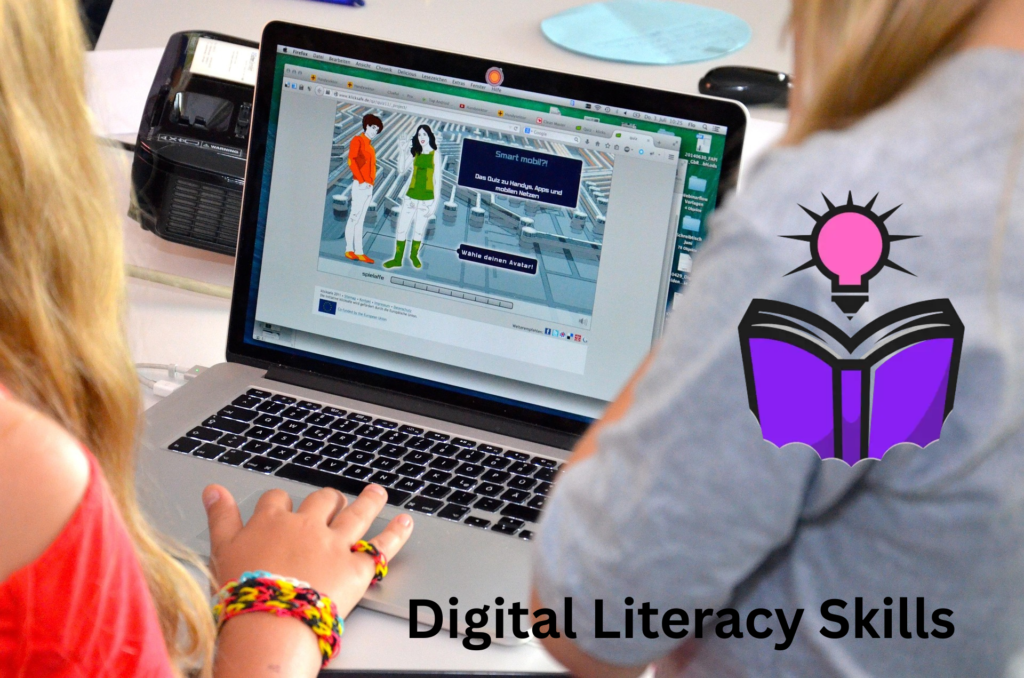
Teaching effectively with EdTech also means helping students develop digital literacy.
This includes:
- Navigating online platforms
- Evaluating information sources
- Practicing digital citizenship
- Protecting privacy and security
These skills are essential for success in today’s digital world and should be integrated into your teaching.
Real-World Applications of EdTech
Across the United States, educators are using EdTech in innovative ways.
In elementary schools, teachers use interactive apps to teach reading and math through games. In high schools, virtual labs allow students to conduct experiments without physical constraints.
In higher education, online platforms enable flexible learning, allowing students to access lectures and materials anytime, anywhere.
Corporate training programs also rely on EdTech to deliver scalable and efficient learning experiences.
These examples highlight the versatility and impact of technology in education.
Future Trends in EdTech
As technology continues to evolve, new opportunities are emerging.
Artificial intelligence is enabling more advanced personalization. Virtual and augmented reality are creating immersive learning experiences. Data analytics is becoming more sophisticated, providing deeper insights into student performance.
For educators in the U.S., staying informed about these trends can help you remain competitive and effective in your teaching.

Final Thoughts
Teaching effectively using EdTech tools is not about mastering every new platform—it’s about using technology thoughtfully to enhance learning.
Start with clear goals, choose the right tools, and focus on creating engaging, student-centered experiences. Use data to guide your decisions, foster collaboration, and ensure accessibility for all learners.
Most importantly, remain flexible and open to change. Education is constantly evolving, and technology is a powerful ally in helping you adapt and succeed.
By integrating EdTech strategically, you can create a dynamic, inclusive, and effective learning environment that prepares students for the challenges of the modern world.