
Best Online Whiteboards for Interactive Learning
Interactive learning has become a cornerstone of modern education in the United States. From K–12 classrooms to universities, corporate training rooms, and remote workshops, educators are increasingly turning to digital tools that encourage participation, creativity, and collaboration. Among these tools, online whiteboards stand out as one of the most powerful platforms for interactive learning.
Online whiteboards replicate—and often enhance—the experience of a physical classroom board. They allow students and instructors to brainstorm ideas, solve problems together, visualize concepts, and interact in real time, regardless of location. As online and hybrid learning models continue to grow across the U.S., choosing the right online whiteboard can significantly impact engagement and learning outcomes.
This guide explores the best online whiteboards for interactive learning, how they support teaching and collaboration, and what educators and institutions should consider when selecting the right solution.

Why Online Whiteboards Matter in Interactive Learning
Interactive learning thrives on participation. Traditional lectures, whether in-person or online, often limit student involvement. Online whiteboards flip that dynamic by giving learners a shared space to contribute ideas, ask questions, and work collaboratively.
In U.S. classrooms, where diverse learning styles and accessibility needs are common, online whiteboards offer flexibility. Visual learners benefit from diagrams and drawings, while hands-on learners can actively manipulate content. Teachers can adapt lessons in real time based on student input, making learning more responsive and engaging.
Beyond schools, online whiteboards are widely used in professional development, remote team training, and higher education. They support active learning strategies such as problem-based learning, group discussions, and peer instruction—all of which are highly valued in American education systems.
Key Features That Make an Online Whiteboard Effective
Not all online whiteboards are created equal. The most effective platforms for interactive learning share several important features.
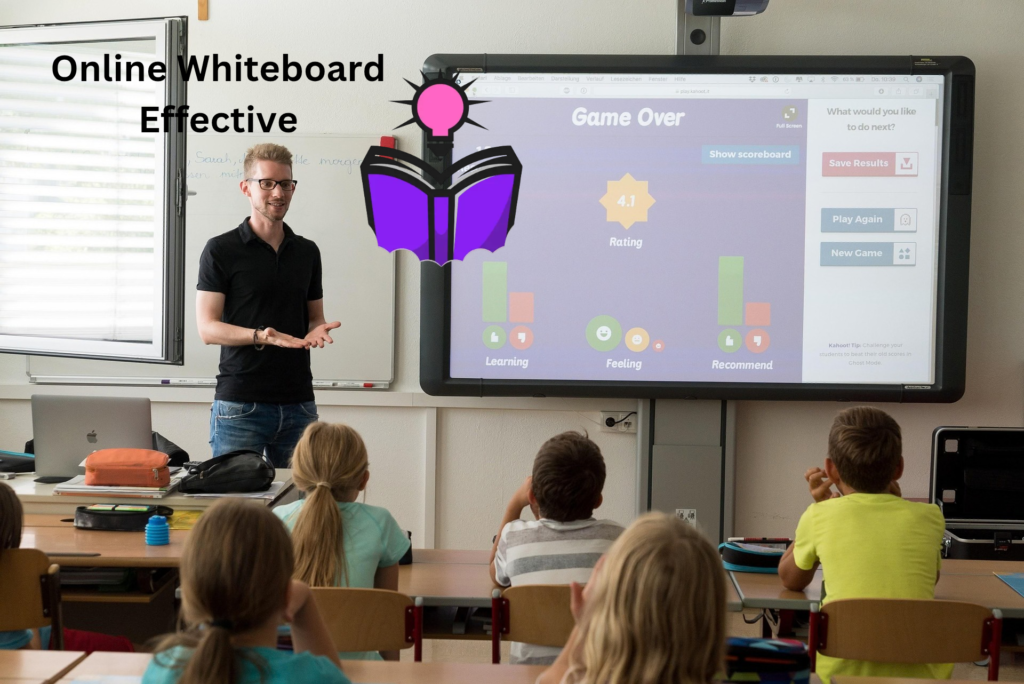
Real-time collaboration is essential. Students and instructors should be able to write, draw, and edit simultaneously without lag. This sense of immediacy mimics in-person interaction and keeps learners engaged.
Ease of use also plays a major role. Tools that are intuitive reduce the learning curve, especially for younger students or educators who may not be tech-savvy. In U.S. K–12 settings, simplicity is often critical for classroom adoption.
Integration with learning management systems and video conferencing tools is another key factor. Many American schools rely on platforms like Google Classroom, Canvas, Microsoft Teams, or Zoom. Online whiteboards that integrate smoothly into these ecosystems save time and streamline instruction.
Accessibility features such as screen reader compatibility, keyboard navigation, and cross-device support are increasingly important, particularly in compliance-focused U.S. institutions.
Miro: A Powerful Whiteboard for Collaborative Learning
Miro is widely recognized as one of the most robust online whiteboards available today. While originally popular in business environments, it has gained significant traction in education due to its flexibility and collaborative features.
For interactive learning, Miro offers an expansive canvas where students can brainstorm, map ideas, and build projects together. Educators can create structured boards with templates for mind maps, lesson planning, group discussions, and problem-solving activities. This structure is especially useful in U.S. classrooms where learning objectives and standards must be clearly defined.
Miro supports real-time collaboration, allowing multiple students to work simultaneously. Teachers can observe student contributions live, making it easier to assess participation and understanding. The platform also supports sticky notes, drawing tools, shapes, images, and embedded media, which enriches the learning experience.
In higher education and professional training environments across the United States, Miro is often used for design thinking workshops, case study discussions, and group projects that require visual organization.
Microsoft Whiteboard: A Natural Fit for Microsoft Ecosystems
Microsoft Whiteboard is a popular choice for schools and organizations already using Microsoft 365. In many U.S. school districts and universities, Microsoft tools are deeply embedded into daily workflows, making this whiteboard an accessible option.
Microsoft Whiteboard offers a clean, simple interface that supports drawing, typing, and collaboration. Students can join boards easily through Microsoft Teams, which is widely used in American classrooms and remote learning setups.
One of its strengths lies in seamless integration. Teachers can launch a whiteboard during a live class session, invite students to collaborate, and save boards automatically for later review. This continuity supports both synchronous and asynchronous learning.
While Microsoft Whiteboard may not offer as many advanced templates as some competitors, its reliability, security, and ease of access make it a strong choice for interactive learning environments in the U.S.
Jamboard-Style Whiteboards and Google-Friendly Options
Google-integrated whiteboards have long been popular in American K–12 education, where Google Workspace for Education is widely adopted. Whiteboards that align with Google’s ecosystem are especially appealing to teachers who want minimal setup and easy student access.
These platforms allow students to collaborate using their existing Google accounts, reducing barriers to participation. Teachers can quickly share boards through Google Classroom, assign activities, and review student work.
Such whiteboards are commonly used for brainstorming sessions, quick formative assessments, collaborative note-taking, and visual explanations. Their simplicity makes them ideal for younger learners and classrooms where time efficiency matters.
For U.S. educators focused on ease of deployment and familiar tools, Google-friendly whiteboards remain a practical solution for interactive learning.

MURAL: Structured Collaboration for Deeper Learning
MURAL is another advanced online whiteboard designed for structured collaboration. It is particularly well-suited for higher education, professional training, and workshops that require guided interaction.
What sets MURAL apart is its focus on facilitation. Educators can guide students through activities step by step, using features such as timers, voting, and frameworks. These tools support active participation and help manage group dynamics, especially in large online classes.
In U.S. universities and corporate training programs, MURAL is often used for strategy discussions, group analysis, and collaborative problem-solving. Its visual nature encourages students to organize ideas clearly and think critically.
While MURAL may feel complex for younger students, it excels in environments where structured interaction and deeper engagement are priorities.
FigJam: Interactive Learning for Creative and Design-Focused Classes
FigJam, developed by Figma, is a collaborative whiteboard designed with creativity and simplicity in mind. It is particularly popular among design students, educators, and creative professionals.
For interactive learning, FigJam provides an inviting environment where students can sketch ideas, leave comments, and collaborate visually. Its playful interface encourages participation, which can be especially helpful in engaging reluctant learners.
In U.S. colleges and bootcamps focused on design, user experience, and creative problem-solving, FigJam is often used for brainstorming sessions, critique boards, and collaborative planning. Educators appreciate its real-time collaboration and ease of sharing.
While FigJam may not be as feature-heavy as some enterprise tools, its simplicity and creative focus make it an excellent choice for interactive learning in visually driven disciplines.
Whiteboard.chat: A Classroom-Friendly Solution
Whiteboard.chat is designed specifically for educators and classrooms, making it a strong option for K–12 interactive learning in the United States.
Teachers can create individual boards for each student while maintaining an overview of the entire class. This feature allows educators to monitor progress, provide feedback, and address misconceptions in real time.
Whiteboard.chat supports drawing, typing, and uploading images, making it versatile for various subjects, including math, science, and language arts. Its classroom-oriented design aligns well with American teaching practices that emphasize formative assessment and differentiated instruction.
Because it is browser-based and easy to access, Whiteboard.chat works well in both in-person and remote learning environments.
Explain Everything: Whiteboarding Meets Lesson Delivery
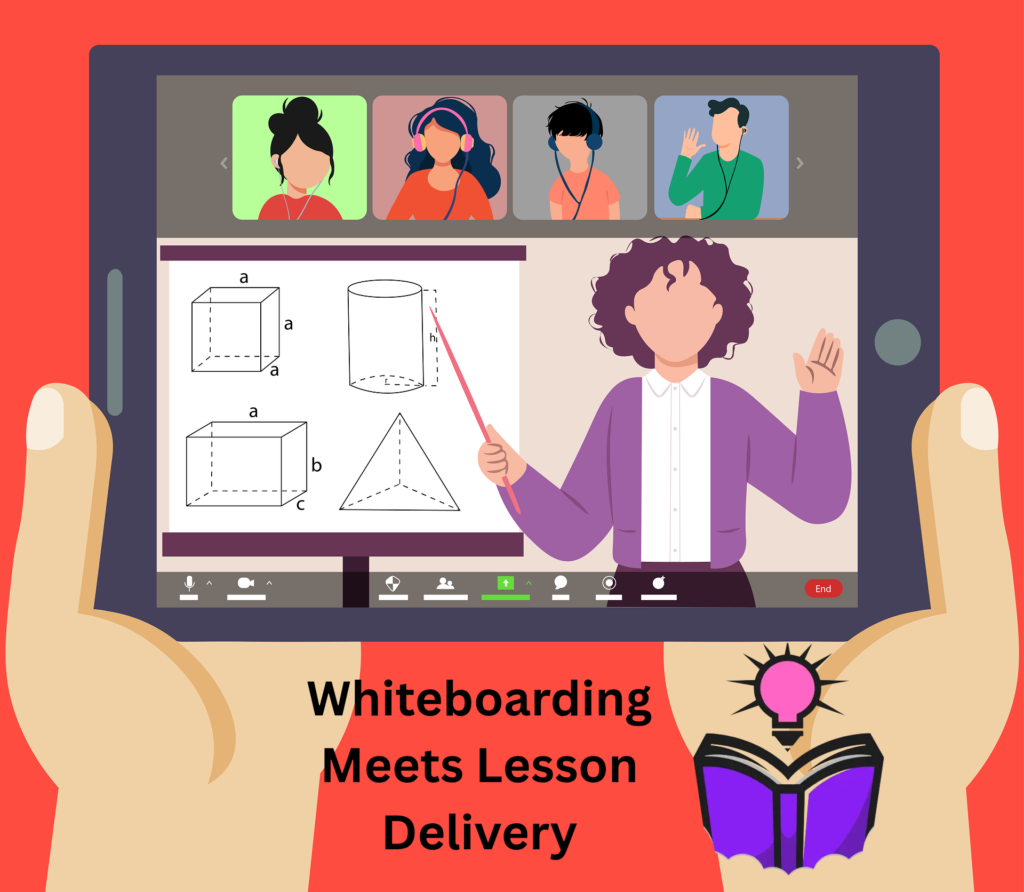
Explain Everything combines online whiteboarding with lesson creation and presentation tools. This makes it particularly useful for educators who want to blend instruction with interaction.
Teachers can create interactive lessons, record explanations, and invite students to collaborate on the same board. In U.S. classrooms, this supports flipped learning models, where students engage with content before class and participate in interactive activities during live sessions.
Explain Everything is commonly used in K–12 and special education settings, where visual explanations and step-by-step guidance are essential. Its ability to record sessions also helps students review material at their own pace.
For educators looking to combine teaching, collaboration, and content creation, this platform offers a well-rounded solution.
How Online Whiteboards Support Different Learning Models
Online whiteboards are versatile tools that adapt to various learning models widely used in the United States.
In synchronous learning, they enable real-time collaboration during live classes. Students can solve problems together, annotate diagrams, and ask questions visually, creating a more engaging experience than passive video lectures.
In asynchronous learning, whiteboards allow students to contribute ideas at their own pace. Teachers can post prompts, and students can respond with drawings, notes, or comments, fostering continued interaction outside scheduled class time.
Hybrid learning models also benefit from online whiteboards, as they bridge the gap between in-person and remote students. Everyone can participate on the same digital canvas, ensuring inclusivity and consistency.
Choosing the Right Online Whiteboard for Your Needs
Selecting the best online whiteboard depends on several factors, including the age of learners, subject matter, and institutional requirements.
For K–12 educators in the United States, ease of use, classroom management features, and accessibility are often top priorities. Tools designed specifically for classrooms may offer better control and monitoring capabilities.
Higher education instructors and professional trainers may prioritize advanced collaboration features, templates, and integrations that support complex discussions and group work.
Security and privacy are also important considerations, particularly in U.S. institutions that must comply with data protection standards. Platforms with strong security measures and clear privacy policies are often preferred.
Budget constraints can also influence decisions. Many online whiteboards offer free tiers with limited features, which may be sufficient for smaller classes or occasional use.
The Future of Interactive Learning with Online Whiteboards
As education in the United States continues to evolve, online whiteboards are likely to play an even larger role in interactive learning. Advances in artificial intelligence, real-time analytics, and immersive technologies are expected to further enhance these platforms.
Future whiteboards may offer smarter feedback, adaptive learning prompts, and deeper integration with learning analytics systems. These innovations could help educators better understand student engagement and tailor instruction more effectively.
What remains constant is the value of collaboration. Online whiteboards empower learners to think together, share ideas, and actively participate in their education—skills that are essential in both academic and professional settings.
Final Thoughts
Online whiteboards have transformed the way interactive learning happens in classrooms, universities, and training environments across the United States. By providing shared spaces for collaboration, creativity, and engagement, they move learning beyond passive consumption into active participation.
Whether you are a K–12 teacher, a college instructor, or a professional trainer, the right online whiteboard can elevate your teaching and enhance learner outcomes. By understanding your audience, goals, and technical environment, you can choose a platform that supports meaningful interaction and long-term success.
Interactive learning is no longer optional—it is essential. Online whiteboards are one of the most effective tools available to make that interaction possible in today’s digital-first education landscape.