
How to Keep Your Online Learning Experience Organized
Online learning has transformed education in the United States. From K–12 virtual classrooms to university degrees and professional certifications, millions of Americans now rely on digital platforms to learn new skills, advance careers, and pursue personal growth. Whether you’re taking courses through Coursera, earning credits via edX, or attending virtual classes hosted on Zoom, staying organized is the key to success.
But let’s be honest: online learning can feel overwhelming. Between discussion boards, downloadable resources, recorded lectures, quizzes, and assignment deadlines, it’s easy for things to spiral out of control.
The good news? With the right strategies, you can turn digital chaos into a streamlined, productive system. This guide will walk you through practical, easy-to-implement ways to keep your online learning experience organized—so you can focus on learning, not scrambling.
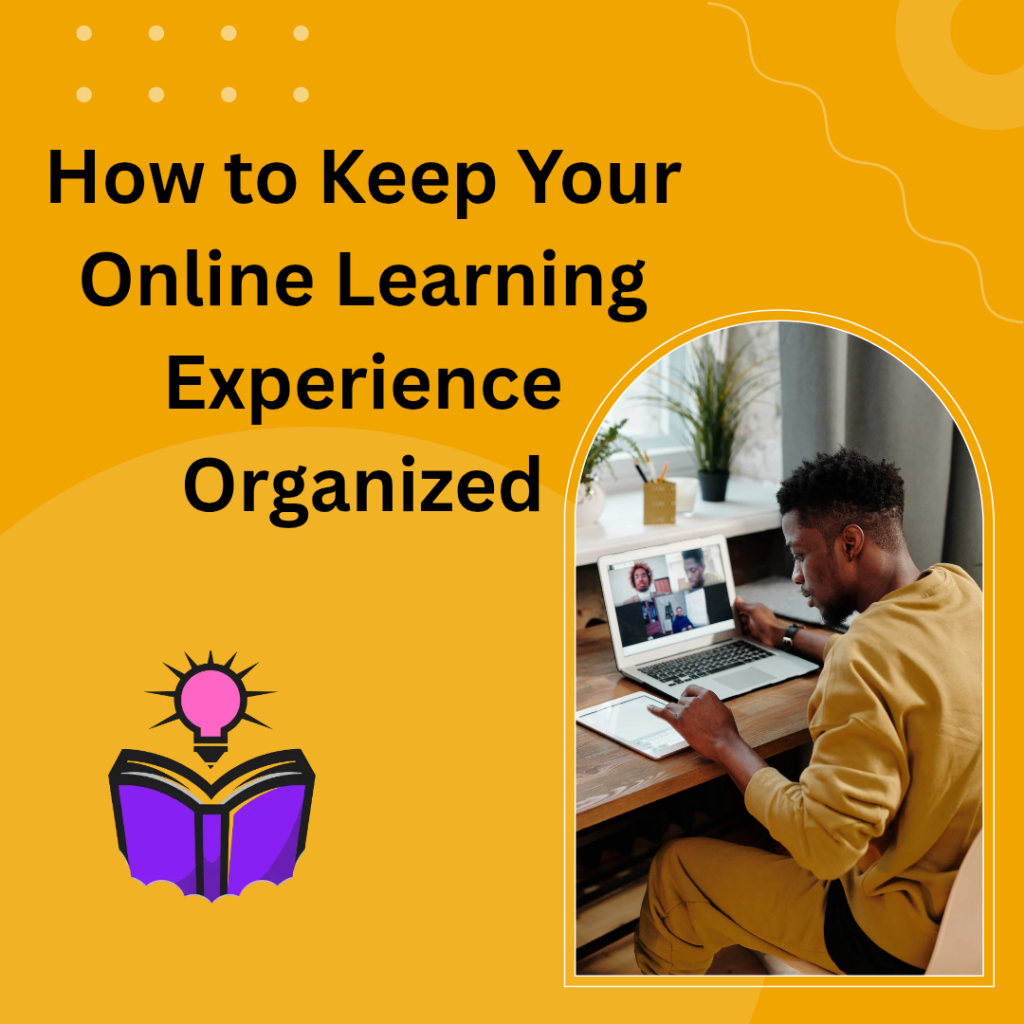
Why Organization Matters in Online Learning
Unlike traditional classrooms, online learning demands a higher level of self-discipline. There’s no physical classroom to walk into, no printed syllabus handed to you, and often no daily in-person reminders from instructors.
In the U.S., where many students balance education with work, family, and other commitments, organization isn’t optional—it’s essential.
When you stay organized:
- You reduce stress and last-minute panic.
- You meet deadlines consistently.
- You retain information better.
- You improve overall academic performance.
- You create a sustainable routine.
Disorganization, on the other hand, leads to missed assignments, duplicated work, and unnecessary anxiety.
Let’s break down exactly how to avoid that.
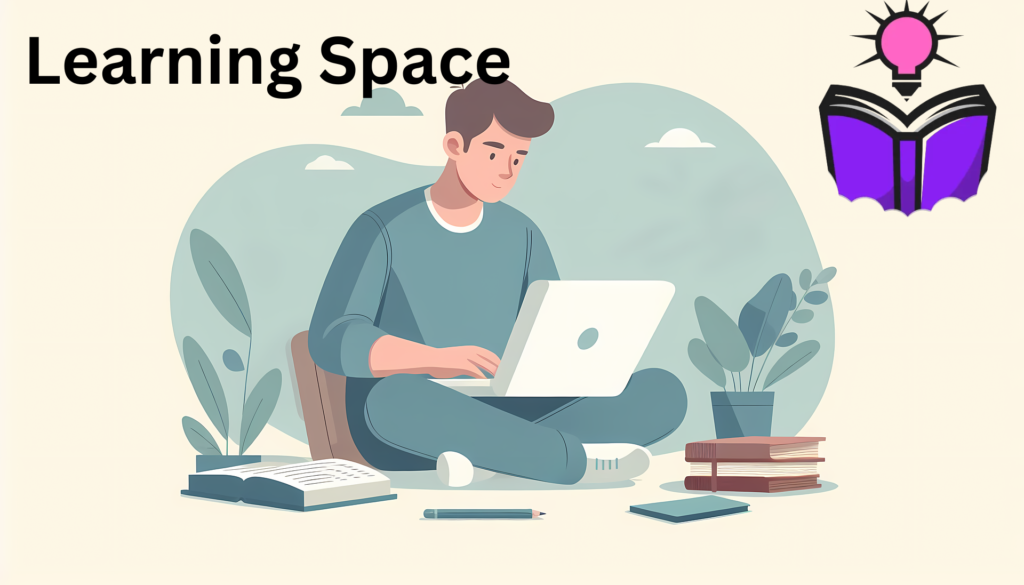
Create a Dedicated Learning Space
Your environment directly affects your focus and productivity. While it may be tempting to attend class from your couch or bed, that approach often leads to distraction.
Instead, designate a specific area in your home for studying. It doesn’t need to be a separate room. A corner desk, a dining table during certain hours, or even a small workstation will do.
Make sure your space:
- Has good lighting.
- Is relatively quiet.
- Is free from clutter.
- Has reliable internet access.
- Contains necessary supplies (notebooks, chargers, headphones).
When your brain associates a specific location with learning, it becomes easier to switch into “study mode.”
Use a Digital Calendar as Your Command Center
In online learning, deadlines can sneak up quickly. A digital calendar should become your best friend.
Use platforms like:
- Google Calendar
- Microsoft Outlook
- Apple Calendar
Add every important date at the start of the term:
- Assignment deadlines
- Quiz dates
- Live session times
- Project milestones
- Exam windows
Set reminders at least 48 hours in advance and again a few hours before deadlines.
Color-code each course if you’re taking multiple classes. This visual separation makes it easier to see workload distribution at a glance.
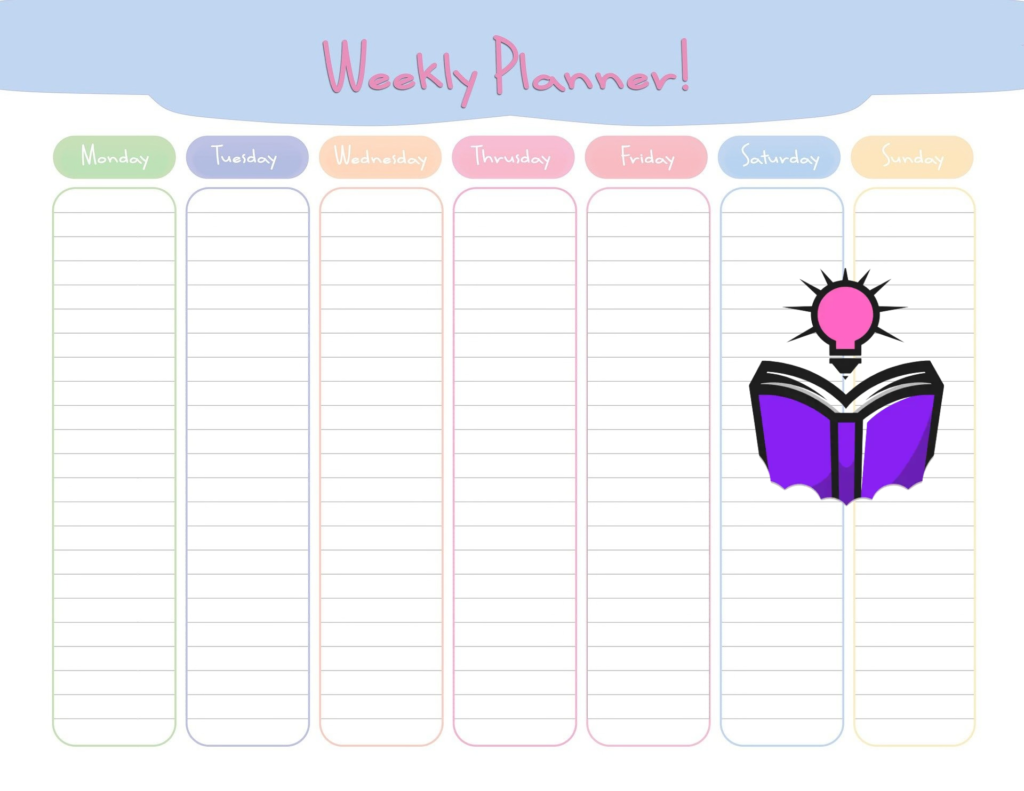
Build a Weekly Planning Ritual
Organization isn’t a one-time event—it’s a habit.
Every Sunday evening (or another consistent time), review:
- Upcoming assignments
- Required readings
- Video lectures
- Discussion posts
- Long-term projects
Break large tasks into smaller steps. For example, instead of writing “Research paper,” divide it into:
- Choose topic
- Research sources
- Create outline
- Write draft
- Revise and edit
This makes big assignments feel manageable and reduces procrastination.
Organize Your Digital Files Properly
Digital clutter is just as stressful as physical clutter.
Create a clear folder structure on your computer or cloud storage:
Main Folder:
Online Courses
Subfolders:
- Course Name 1
- Course Name 2
- Course Name 3
Inside each course folder, create subfolders such as:
- Lectures
- Assignments
- Readings
- Notes
- Exams
Use consistent naming conventions. Instead of “doc1” or “finalfinal,” try:
- BIO101_Module3_Notes
- ENG202_EssayDraft1
- MATH110_Quiz2
If you use cloud storage like Google Drive or Dropbox, your files stay backed up and accessible from anywhere.
Keep a Master Course Tracker
Even with a calendar, having a visual overview of all your coursework can be incredibly helpful.
You can create a simple tracker in:
- Microsoft Excel
- Google Sheets
- Notion
Include columns such as:
- Course Name
- Assignment
- Due Date
- Status (Not Started, In Progress, Completed)
- Grade
This allows you to see everything in one place and identify heavy workload weeks in advance.
Master Your Learning Platform
Every online program uses a learning management system (LMS). Common platforms in the U.S. include:
- Canvas
- Blackboard
- Moodle
Take time during the first week to explore:
- Where announcements are posted
- How assignments are submitted
- Where grades are displayed
- How to message instructors
Many students struggle not because the work is hard, but because they miss important information hidden within the platform.
Turn on notifications for announcements and deadlines. Customize settings so alerts go to your email or phone.
Develop a Consistent Study Schedule
Flexibility is one of online learning’s biggest advantages—but too much flexibility can hurt you.
Treat your classes like in-person commitments. Block out dedicated time for:
- Watching lectures
- Reading materials
- Completing assignments
- Reviewing notes
If you work full-time, consider early mornings or evenings. If you’re a parent, schedule study sessions during school hours or after bedtime.
Consistency builds momentum. When study time becomes routine, resistance decreases.
Take Structured Notes
Watching a recorded lecture without taking notes is like attending a class without paying attention.
Use a consistent note-taking method. You might prefer:
- Digital notes in OneNote
- Documents in Google Docs
- Handwritten notebooks
Organize notes by module or week. Date everything.
After each lecture, spend 5–10 minutes summarizing key takeaways. This reinforces learning and makes exam review far easier.
Limit Distractions During Study Time
At home, distractions are everywhere—social media, streaming services, household chores.
During study sessions:
- Silence your phone or place it in another room.
- Log out of social media.
- Close unrelated browser tabs.
- Use focus tools if needed.
Apps like Forest or Freedom can block distracting websites during designated study hours.
Even short, focused sessions are more effective than long, distracted ones.
Keep Track of Communication
Online learning involves a lot of digital communication—emails, discussion boards, group messages.
Create a system:
- Use folders in your email inbox (by course).
- Flag important messages.
- Respond promptly to instructors and classmates.
- Save key announcements.
Professional communication is also essential. Many U.S. employers value strong digital communication skills, so think of this as career practice as well.
Manage Group Projects Effectively
Group work can feel complicated online, especially when teammates live in different time zones.
Stay organized by:
- Setting clear deadlines early.
- Assigning roles and responsibilities.
- Using shared documents.
- Scheduling regular check-ins.
Tools like Slack or shared folders in Google Drive help centralize collaboration.
Clear communication prevents confusion and last-minute stress.
Back Up Everything
Technology isn’t perfect. Laptops crash. Internet connections fail. Files disappear.
Protect yourself by:
- Saving documents in cloud storage.
- Enabling auto-save features.
- Keeping important files in two locations.
- Taking screenshots of submission confirmations.
In online education, prevention is far easier than trying to explain technical issues after a deadline passes.
Review and Reset Monthly
At the end of each month, take 30 minutes to evaluate:
- What’s working?
- What’s causing stress?
- Are you missing deadlines?
- Is your folder system messy?
Refine your systems as needed. Organization is not about perfection—it’s about continuous improvement.
Stay Physically Organized Too
Even digital learners benefit from physical organization.
Keep:
- A planner or notebook
- Printed syllabi (if helpful)
- A tidy desk
- Organized charging cables
- Clearly labeled binders
A clean physical environment often leads to clearer mental focus.
Maintain Work-Life Balance
Burnout can destroy even the most organized system.
Remember to:
- Schedule breaks.
- Exercise regularly.
- Get adequate sleep.
- Disconnect occasionally.
Online learning should enhance your life—not consume it.
If you’re juggling career advancement, family responsibilities, and coursework, organization becomes a form of self-care.
Create End-of-Term Archiving Habits
When a course ends:
- Download final grades.
- Save important assignments.
- Archive folders.
- Clean up your digital workspace.
This prevents old materials from cluttering new semesters.
The American Advantage: Flexibility with Responsibility
In the United States, online education supports working professionals, military members, stay-at-home parents, and traditional college students alike. It offers unmatched flexibility.
But flexibility demands responsibility.
When you build strong organizational habits, you:
- Increase academic success.
- Improve time management skills.
- Strengthen self-discipline.
- Prepare for remote work environments.
- Boost long-term career opportunities.
Organization isn’t just about school—it’s a life skill.
Final Thoughts: Turn Structure Into Success
Keeping your online learning experience organized doesn’t require complicated systems or expensive tools. It requires intention, consistency, and a willingness to refine your approach.
Start small:
- Set up folders.
- Enter deadlines into your calendar.
- Establish a weekly planning routine.
- Protect your study time.
Over time, these habits compound into confidence and clarity.
Whether you’re earning a degree, completing certifications, or exploring personal interests, an organized approach transforms online learning from stressful to empowering.
And when your systems work for you—not against you—you’ll find that learning becomes not just manageable, but genuinely enjoyable.
Now take a deep breath, open your planner, and start building the structure that will carry you to success.